Co-Op Split Screen is Still Alive in Gears of War: Reloaded | PS5 & Xbox
Ah, Gears of War. The name itself brings back memories of crunching firefights, desperate roadie runs, and, of course, chainsawing your best friend in half by “accident.” A huge part of that nostalgic magic was the incredible couch co-op experience. Now, with Gears of War: Reloaded hitting the scene and even making a shocking debut on PlayStation, everyone’s asking the big question: can we still relive those glory days, side-by-side on the same couch?
The gaming landscape has changed a ton since the original Gears first dropped. Split-screen, once a standard feature, has become a rare gem. So, let’s grab our Lancers and dive into everything you need to know about the co-op situation in Gears of War: Reloaded.
Can You Play Co-Op Split-Screen on PS5 and Xbox?
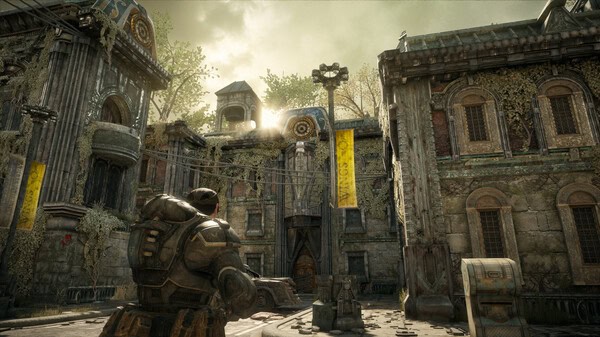
Let’s cut right to the good stuff. Yes, absolutely! Gears of War: Reloaded keeps the dream alive with local split-screen co-op on both PlayStation 5 and Xbox Series X|S.
For those of us who grew up with this series, this is a massive win. The Coalition and Microsoft could have easily cut this feature for the modern release, but they knew it was part of the franchise’s soul. There’s just nothing quite like yelling at your buddy sitting right next to you as a Berserker charges your way.
Here’s how it works on console:
- Fire up the game and head to the Campaign menu.
- Select “Host Co-Op Game.”
- Have your friend join in with a second controller.
- That’s it! Player one gets to be the legendary Marcus Fenix, and player two jumps into the boots of his ever-loyal brother-in-arms, Dom Santiago.
You can team up like this for the entire campaign, and there are even specific Trophies and Achievements tied to completing chapters together. It’s a beautiful thing.
What’s the Deal with PC Split-Screen Co-Op?
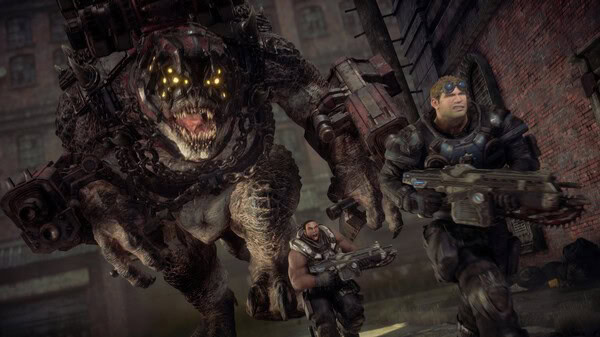
Alright, PC players, I have some bad news. Brace yourselves. No, Gears of War: Reloaded does not have split-screen co-op on PC.
Yeah, it’s a total bummer, and honestly, a bit of a mess. When the game first appeared on Steam, the store page actually listed local co-op as a feature. This got a lot of PC fans hyped, only for that hope to be unceremoniously snatched away when the mention was quietly removed.
This has led to a storm of negative reviews on Steam, and for good reason. It feels like a bait-and-switch. While PC gaming has never been the primary home for split-screen, seeing it listed and then removed feels like a punch to the gut. The Xbox store page for the PC version now clarifies that local co-op isn’t supported, but the damage was done. For now, if you want to play on PC with a friend, you’ll have to stick to online play.
How Does Online Co-Op Work?
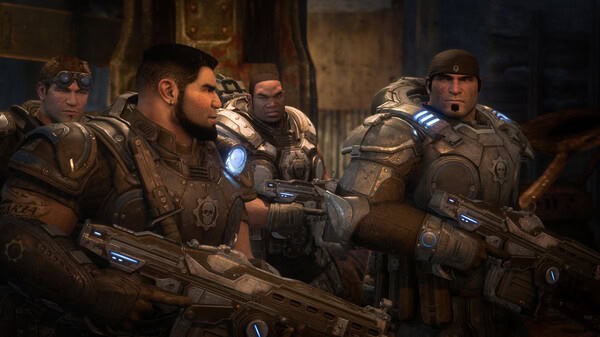
While the PC split-screen situation is a letdown, the online co-op is seamless and better than ever, thanks to the magic of crossplay. Whether you’re on PC, Xbox, or PS5, you can squad up with your friends online to tackle the campaign.
Here’s the breakdown:
- From the Campaign menu, choose “Host Co-Op Game.”
- You can set your squad to “invite-only” to play with specific friends or “open” if you’re feeling adventurous.
- To play with friends on other platforms, make sure you have crossplay enabled in your account settings.
One cool thing is that if you’re on PC or PS5, you don’t have to sign into a Microsoft account to play. However, it’s highly recommended. Linking your Microsoft account allows for cross-progression (so your progress saves across platforms) and makes it way easier to send invites and party up with friends, no matter where they play.
So, while the lack of PC split-screen stings, the co-op heart of Gears of War: Reloaded is still beating strong. Grab a friend, hop online or onto your couch, and get ready to fight for humanity. Just try not to chainsaw each other.
For more gaming content, visit Total Apex Gaming
For more GoW-related content, visit Total Apex Gaming: Gears of War