Weekly Free Games on the Epic Games Store Date | November 20 – November 27
The Epic Games Store has two free games this week and both are available for PC and for Mac! Mac users rejoice! This doesn’t happen often. One of the games is available on mobile as well. Who’s ready for some weekend entertainment?
“Godzilla Voxel Wars”
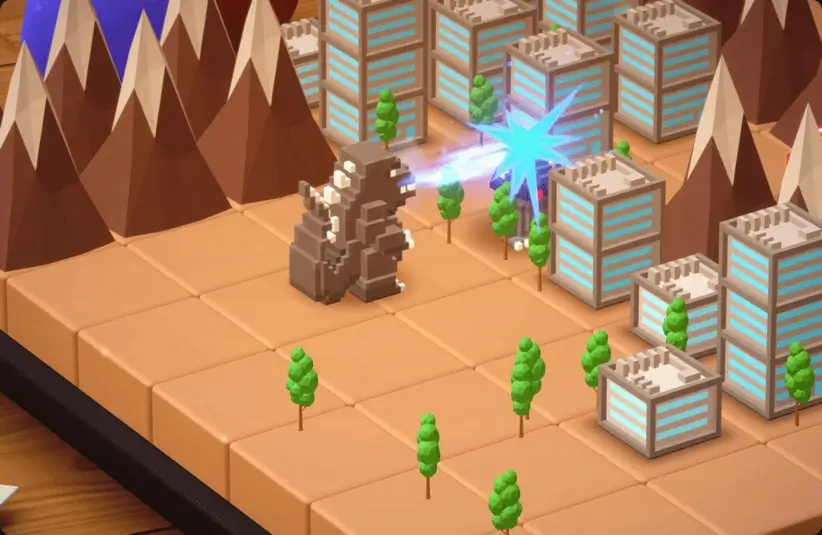
This voxel-style turn-based strategy game is downright adorable, even if you are playing with menacing giant monsters! The premise here is that Fungoid monsters are invading Earth and you, in the form of giant monsters, must save the world. You’ll fight your way through six worlds with multiple stages including both the surface and what lies below. You can also create your own stages and share them so that others can experience your creation.
“Godzilla Voxel Wars” is rated E for Everyone. It’s a single-player game and is available for both PC and Mac. It’s normally $14.99 so grab it now, while it’s free!
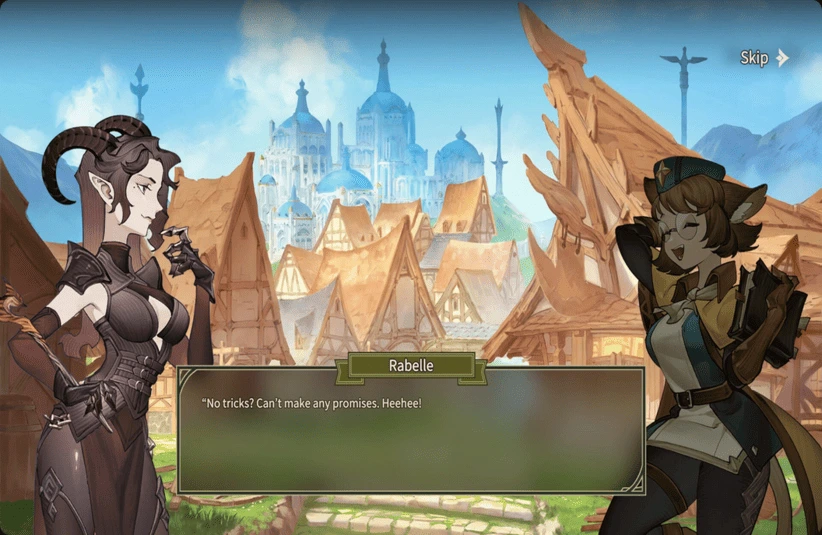
“Zoeti”
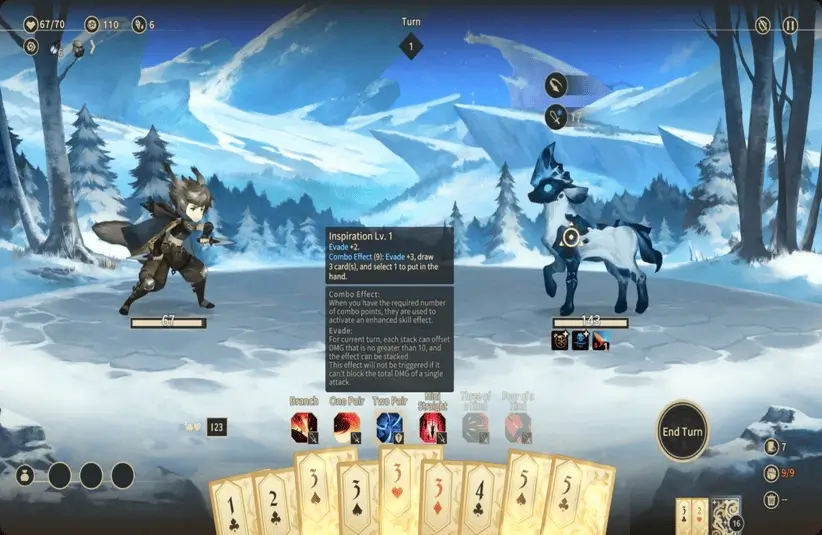
“Zoeti” is quite unusual with it’s playing card/poker mechanic. You’re one of three Star-Soul hero and it’s your mission to fight and defeat the possible hundreds of different enemies to protect the townsfolk from evil. The playing cards are your means of activating your skills, attacks, and defenses. Each ability requires a certain poker hand such as two pair or a royal flush. In addition to having three possible characters, there are three game modes, and five difficulty levels. Each run will be different and you can try many different builds.
“Zoeti” is rated E10 or Everyone 10+. It’s available for PC, Mac and Mobile! And it’s normally $19.99 so, at free, there’s no reason not to give this unique game a try.
How to Claim Freebies From the Epic Games Store
Whether you want to play on your PC, Mac, Android, or iOS device, you can find the download information on the Epic Games Store website. If you’re on a computer, you can download the Epic Games Launcher to access and play your games. I know that’s not exactly shocking, and you probably figured that out already.
For the mobile games, you’ll need the QR code. Use the camera on your mobile device to scan the QR code, which will direct you to the download page. You will have to enable downloads from other sources. (Other than the native app store, that is.) This app isn’t available on the Google Play Store or the Apple App Store. After installing the app, launch it, sign in, and then scroll down to find the current free game.
And that’s what we have for you this week! Check back next week, and we’ll highlight the new game offerings from the Epic Games Store. We’re staying on top of the latest gaming news, so you don’t have to worry about any FOMO.
Happy gaming!